Free “Zeroed” preset for Adjustment Brush and Graduated Filter
A simple local adjustment preset to quickly set all sliders to zero.

A simple local adjustment preset to quickly set all sliders to zero.
You may hear them referred to as either presets or templates interchangeably and you can find some form of preset/template in every Lightroom module. No matter what you call them they have a single purpose, which is to speed up your workflow by keeping you… Read More »Tutorial: Managing Presets and Templates
Are you working on JPG images by chance? Since JPG files (as well as TIF and PSD) had a white balance value applied when the original file was rendered into that format (whether by your camera or via post-processing) you can no longer set an… Read More »White Balance Presets Missing in Quick Develop?
I’m really looking forward to learning from my fellow instructors during the Lightroom Virtual Summit that kicks off next week, and runs through May 7th! All content is viewable for free for 48 hours after it goes live during the summit, but you need to… Read More »Lightroom Virtual Summit Next Week!

I’m super psyched to be teaching 3 Lightroom Classic sessions at the KelbyOne Lightroom Conference starting May 5th! This event is all online, and will be streamed live over 2 days. Learn how to organize your photos, edit like a pro, use presets and plug-ins,… Read More »The Lightroom Conference is Streaming to a Computer Near You!
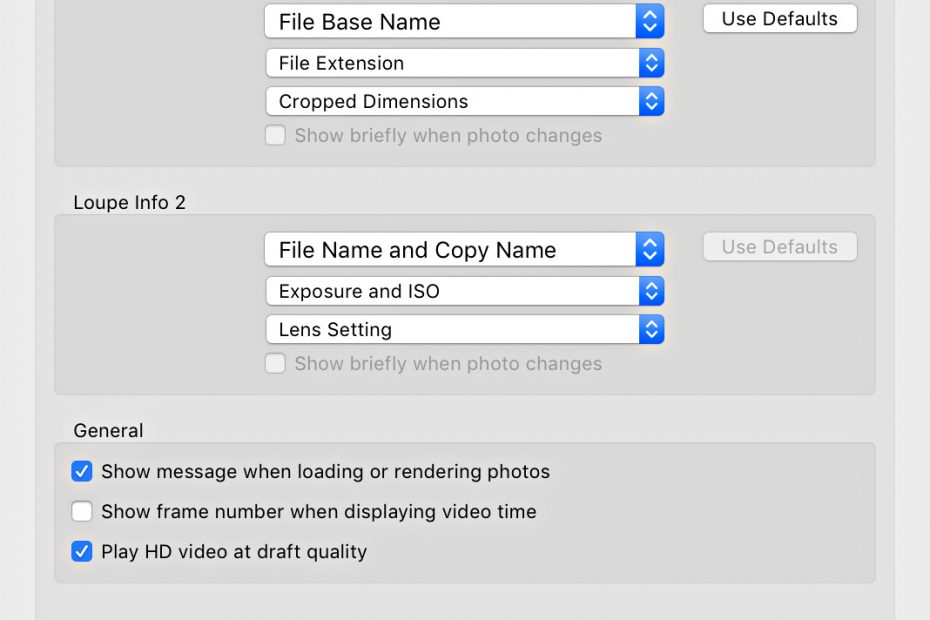
Lightroom Classic’s catalog is simply a database of information about our photos. Learning how to edit and add to that information can help us manage, find, and organize our photos over time. Metadata is information about your photos. Some metadata is created and applied to… Read More »The Role of Metadata
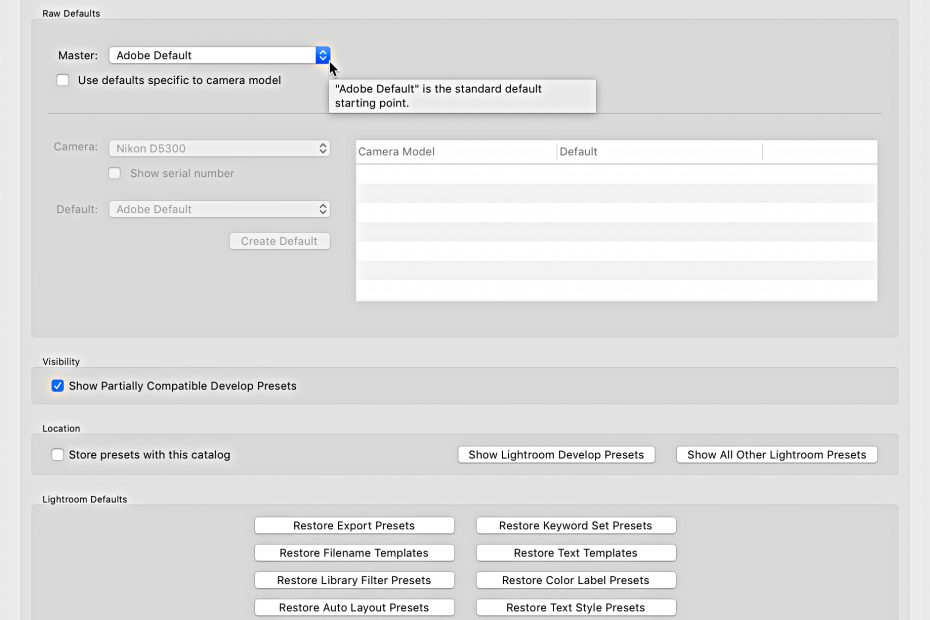
Forget everything you knew about how to create a custom default setting for your raw photos, and let’s get up to speed on the new system. Once you install the 9.2 update your old custom default settings will not work on newly imported photos or when… Read More »Customizing Camera Raw Defaults in Lightroom Classic
There comes giddy a time in every Lightroom user’s life when you will purchase a new computer. I’ve broken out the components you need to consider to get from old to new with a minimum amount of angst and a maximum amount of control.
I’ve had a chance to play around with a pre-release version of Adobe’s new platform for viewing, sharing and editing your photos across any number of supported (Mac only at the moment) devices. I thought it might be helpful to share some of my impressions and how I’ve come to use this platform within my existing photo workflow.
I don’t often get questions about how to apply keywords to photos, but I do hear from people who are struggling to regain a bit of order over an unruly keyword list, so it is to them that I devote this column. Unfortunately, there is no magic wand to wave and automatically fix a disorganized keyword list, you’ll need to roll up your sleeves, put the kettle on, and just get down to business.